MECHTRON / Guide
How to choose the right screwdriving torque
Learn how torque settings help control screwdriving and protect fasteners and materials.
Explore the tool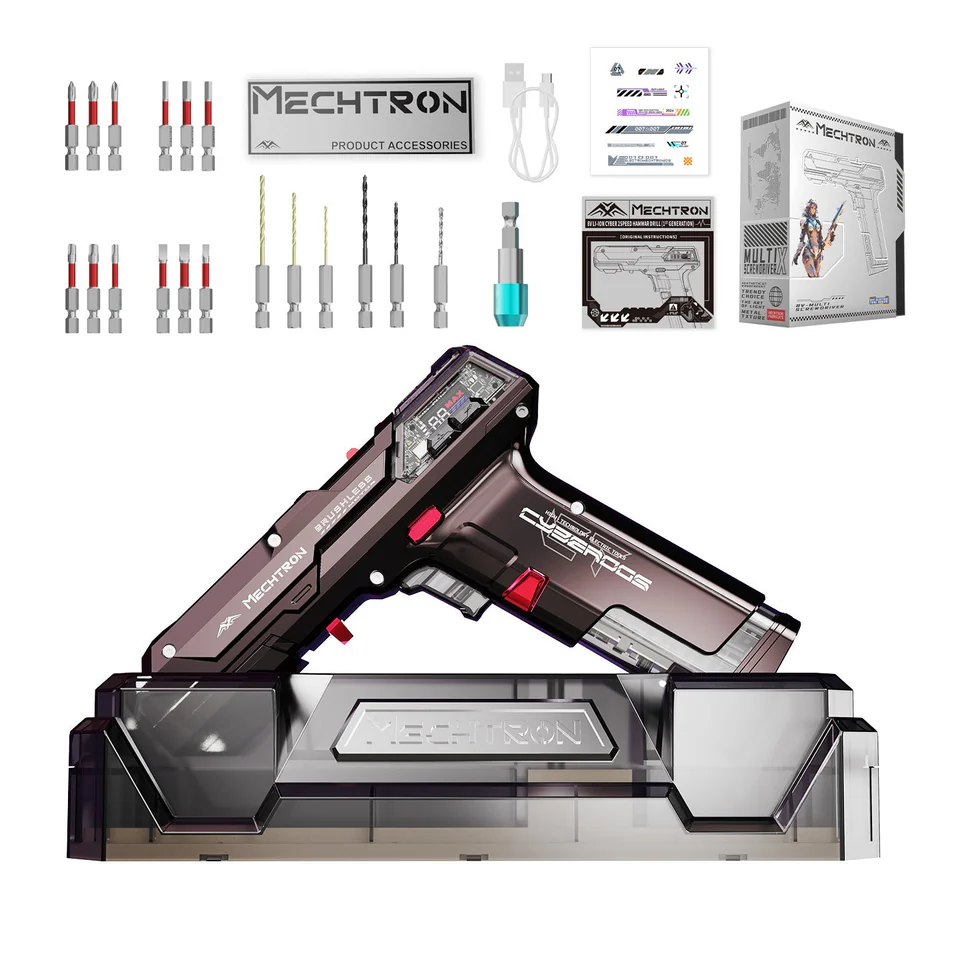
01
Torque is not speed
Torque is rotational force, expressed in Nm. Speed is rotation per minute. Higher torque is not always desirable: delicate materials and small screws can be damaged by excessive force.
02
Start low and adjust
Use the correct bit and follow the fastener or assembly instructions. Start with a low setting and increase gradually if needed. Stop when the screw is seated correctly; do not force it further. Use a specified torque tool when an exact tightening value is required.
03
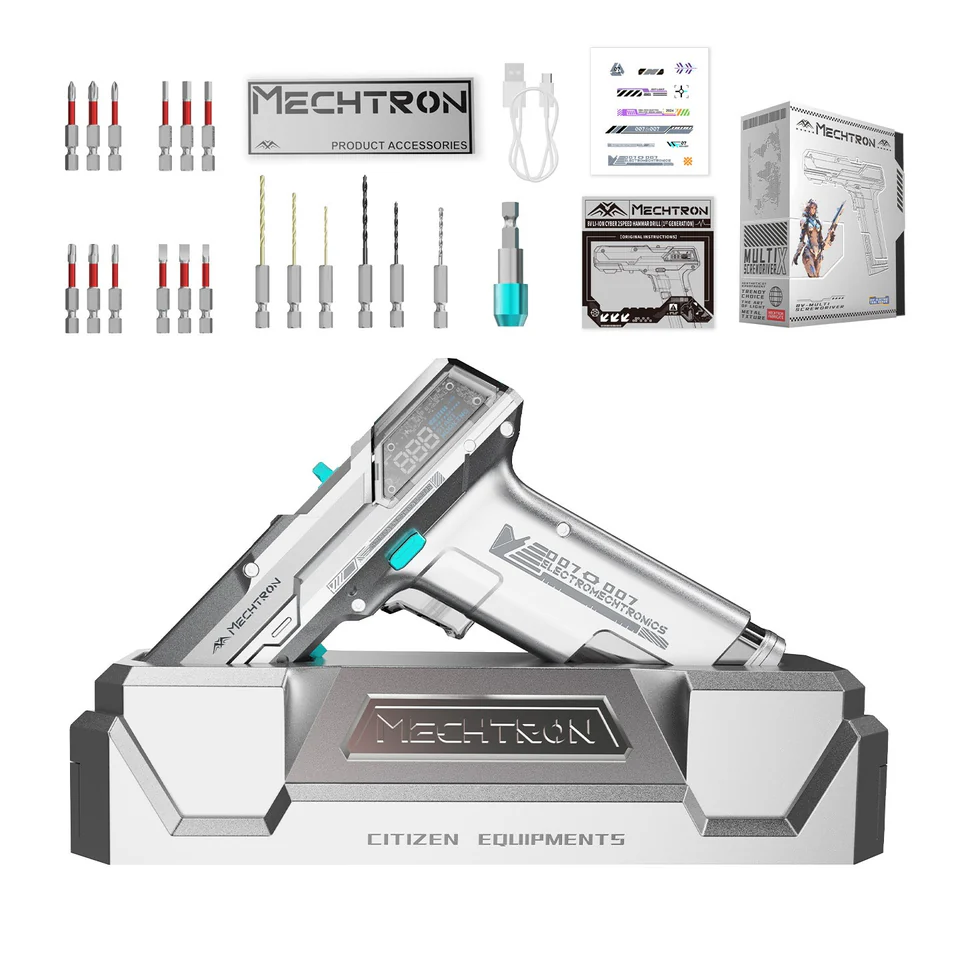
Digital control on the G2-PRO
The digital display lets you view the selected torque setting. It helps you repeat a chosen setting; it does not turn the drill into a calibrated torque wrench. Check the manual for the operating modes.